





Sep 25 · 5 min read
This $35 Dock Turned My ROG Ally X Into a Desktop Beast
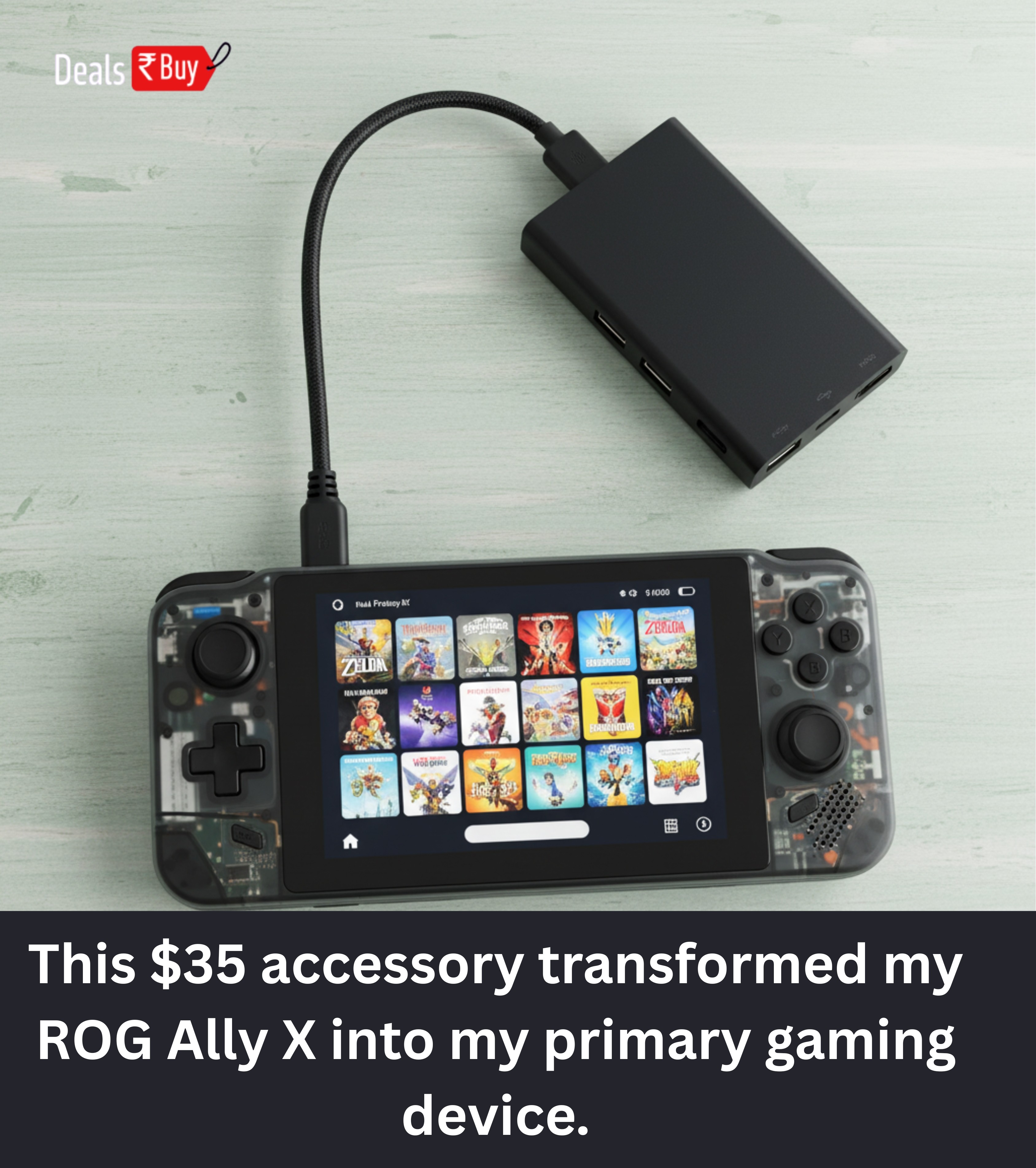
Gamers, listen up! I just discovered a tiny gadget that transformed my ROG Ally X from a handheld into a full-blown desktop-level gaming rig. And the kicker? It costs only $35. Yep, not a typo. Let me break down why this dock deserves a permanent spot on your gaming desk.
The Evolution of Handheld Gaming
Remember squinting at tiny screens on bulky consoles? Yeah, that was fun... not. Fast forward to today: ROG Ally X and Steam Deck OLED have changed the game. Literally. You can game anywhere and then plug in at home for a full 4K experience. Childhood fantasies, meet reality.
Short sessions are seamless, long sessions arenââ'¬â"¢t a pain, and portability no longer means compromise. But hereââ'¬â"¢s the catchââ'¬"finding the right dock is a nightmare. Most are either overpriced or canââ'¬â"¢t handle HDMI 2.1 4K 120Hz. If youââ'¬â"¢re a perfectionist (like me), thatââ'¬â"¢s unacceptable.
Meet Jsauxââ'¬â"¢s 6-in-1 Dock
At $35, this dock is compact, sleek, and comes with all the essentials. HDMI 2.1, rapid charging, USB ports, Ethernetââ'¬"check, check, check. Letââ'¬â"¢s dive into why itââ'¬â"¢s worth every penny.
HDMI 2.1 & 4K 120Hzââ'¬"Why It Matters
Hereââ'¬â"¢s the nerdy part. The ROG Ally X hits 120Hz and the Steam Deck OLED 90Hz. I donââ'¬â"¢t always push beyond 60fps (except for Tunic, donââ'¬â"¢t judge), but knowing I can reach max refresh feels like having a cheat code.
Jsauxââ'¬â"¢s dock supports HDMI 2.1: 4K 120Hz or 1080p 240Hz. Smooth graphics for demanding games? Absolutely. Pro tip: use a compatible HDMI 2.0 cable and tweak your refresh rate in settings.
Power Management
Ever lost battery mid-boss fight? Traumatic. This dock handles up to 100W power input, keeping your handheld charged even in intense gameplay. Using my 140W USB-C GaN charger, the ROG Ally X never falters. Extra USB-C port? Check. Keyboard, mouse, storage? Plug away.
Stand or No Stand?
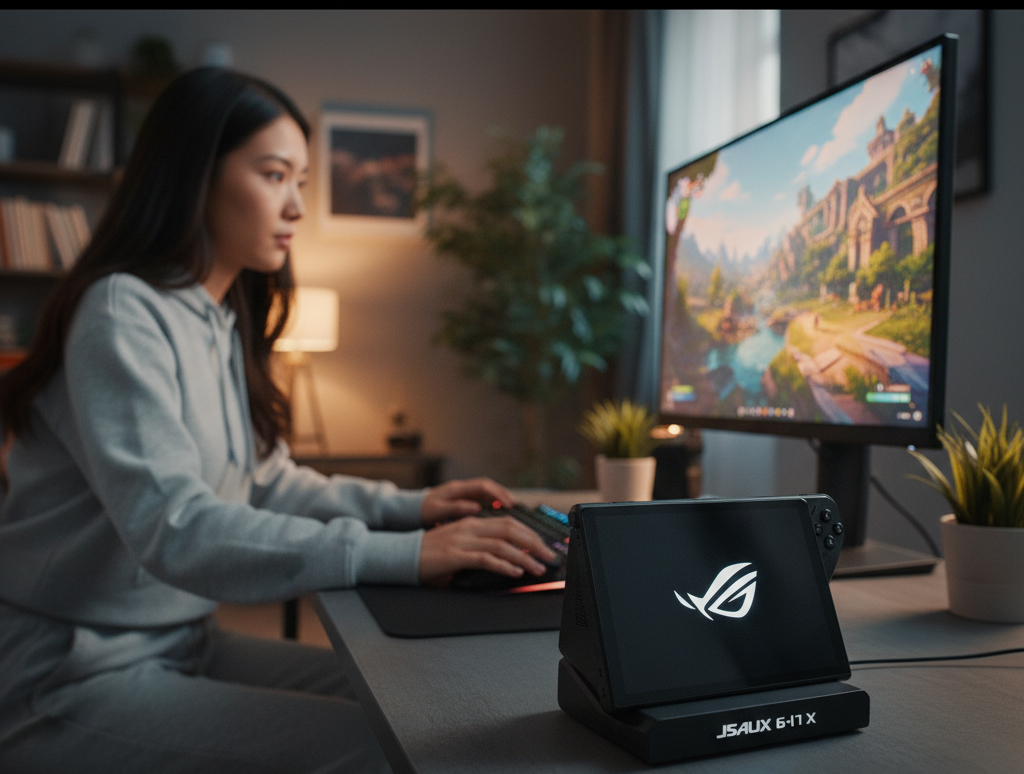
Most docks come with a built-in stand. Convenient? Sometimes. I use a dbrand Kill Switch case, so the stand doesnââ'¬â"¢t fit. Luckily, Jsauxââ'¬â"¢s stand detaches easily. I can use the handheldââ'¬â"¢s kickstand, keeping it neat and functional. Flexibility = bliss.

USB Portsââ'¬"Desktop Mode Unlocked
Want your handheld to act like a PC? The dock has:
- Two USB-A 3.2 (5Gbps)
- One USB-C 3.2
- Gigabit Ethernet (1,000Mbps)
Logitech keyboard & mouse? Done. Windows 11 workstation mode? Done. Age of Empires IV on a big screen? Absolutely. Steam Deck OLED works too. Handheld freedom + desktop power = win.
Cable Convenience
Many docks make you hunt for cords. Not this one. It has a built-in USB-C cable. Short? Slightly. Convenient? Hugely. Plug and play without thinking = joy.
Size & Portability
Some docks feel NASA-sized. This one? 11 x 4.4 x 1 inches. Fits behind your handheld or on a TV stand. Minimalist, functional, perfect.
Pricing vs Features
Other models exist:
- 7-in-1 RGB Cooling Dock $60
- 6-in-1 with M.2 SSD $86
Cool, but unnecessary unless you need extra storage or streaming features. The $35 model is more than enough: HDMI 2.1, fast charging, multiple ports, compact design. Focus on what improves gaming, skip whatââ'¬â"¢s just flashy.
Real-Life Scenarios
Hereââ'¬â"¢s where it shines:
- Couch Gaming: Connect handheld, attach controller, enjoy the big screen.
- Desktop Strategy: Keyboard + mouse transform Age of Empires IV or Civilization VI into PC-like experiences.
- Streaming & Recording: Capture cards, external drives? Easy.
- Fast Multiplayer: Gigabit Ethernet keeps lag minimal for FPS games.
- Work + Play: Windows 11 means gaming then spreadsheets, emails, or codingââ'¬"no device swap.
Minor Quirks
Nothingââ'¬â"¢s perfect:
- Cable length could be longer.
- No power brick included.
- Thick cases may block built-in stand.
Minor stuff compared to versatility and convenience.
Why This Dock Made My ROG Ally X My Main Device
Summary: this dock turns a handheld into a desktop-level powerhouse. Portability doesnââ'¬â"¢t mean compromise. Features:
- 4K 120Hz HDMI output
- Rapid charging while gaming
- USB ports for peripherals
- Compact, adaptable design
- Affordable $35 price
My ROG Ally X went from fun handheld to primary gaming rig. The dock turned a cool gadget into a robust setup.
The Bigger Picture
Handheld gaming is thriving. Devices like ROG Ally X and Steam Deck OLED redefine mobile & home gaming. Accessories like Jsauxââ'¬â"¢s dock bridge the gap between portability and desktop-level experience. Future docks may add features, but if you want reliability, versatility, and affordability, this $35 dock is enough.
Final Thoughts
Key takeaway: never underestimate small accessories. One dock upgraded my gaming, workspace, and even my enjoyment during short sessions. Handheld owners, investing in a solid dock isnââ'¬â"¢t optionalââ'¬"itââ'¬â"¢s essential.


