





Sep 25 · 5 min read
Spotify Introduces Lossless Audio: A Simple Guide for Music Fans
If youââ'¬â"¢ve ever felt your Spotify songs lacked that crisp, detailed sound, good news: Spotify now offers lossless audio. This means your music can sound closer to the original recording, capturing every beat, note, and subtle detail.
What Is Lossless Audio?
Lossless audio is a sound format that keeps all the original information in a track. Unlike MP3s, which compress audio and remove some details, lossless audio preserves every nuance.
Imagine MP3s are like photocopies of a painting ââ'¬" still recognizable but missing fine details. Lossless audio is like seeing the painting in person.
Where Lossless Audio Is Available
Currently, lossless audio is available for Spotify Premium subscribers in:
- United States
- United Kingdom
- Japan
- Australia
- New Zealand
- Germany
- Austria
- Czechia
- Denmark
- Netherlands
- Portugal
- Sweden
Additional 50 countries are expected to get it in October. If you donââ'¬â"¢t see the option yet, be patient and make sure your app is updated.
Why You Should Use Wired Devices
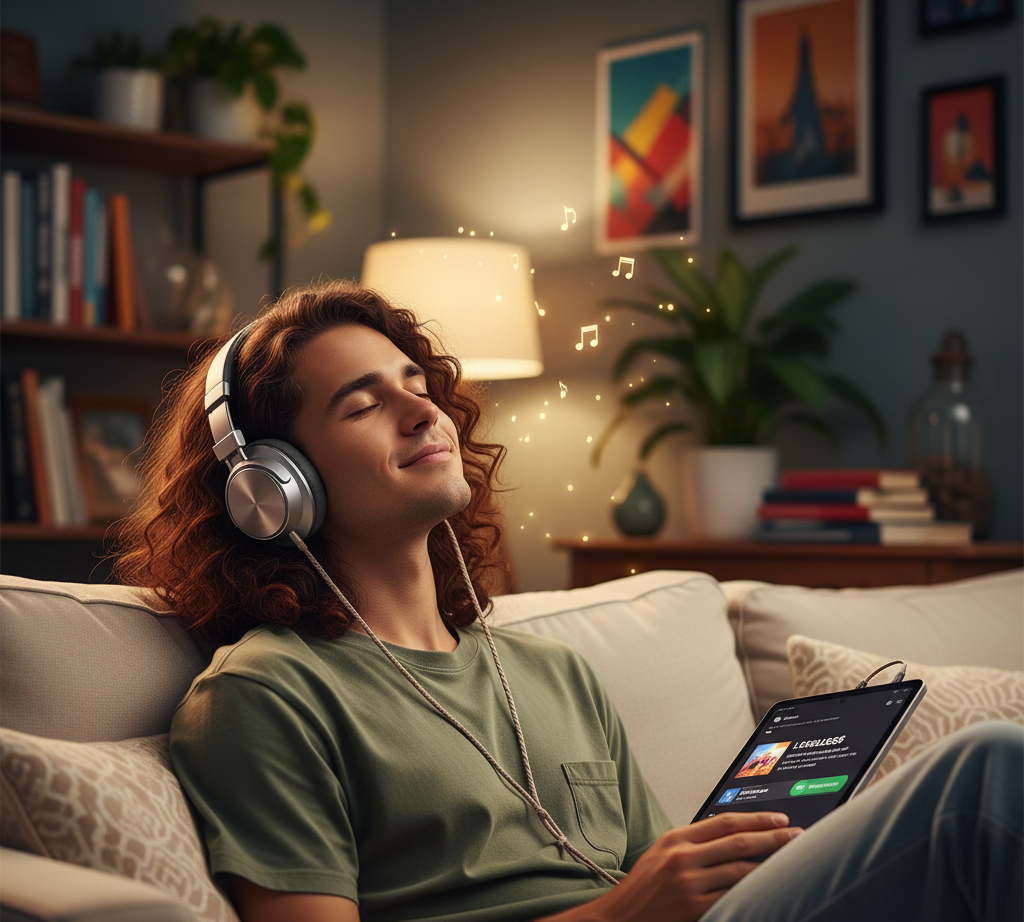
Bluetooth is convenient but not ideal for lossless audio. It compresses sound, which reduces the benefits of high-quality audio.
For the best experience:
- Use wired headphones
- Use non-Bluetooth speakers or Spotify Connect-compatible devices
How to Enable Lossless Audio on Spotify
Follow these simple steps:
- Open the Spotify app and tap your profile icon.
- Select Settings & Privacy.
- Go to Media Quality.
- Switch to Lossless quality.
- Choose your streaming method: Wi-Fi, cellular, or downloaded tracks.
Youââ'¬â"¢ll notice a lossless audio indicator when playing supported tracks.
Supported Devices
Lossless audio works on:
- Mobile devices
- Desktops and tablets
- Spotify Connect devices from Sony, Bose, Samsung, Sennheiser
Support for Amazon and Sonos devices is expected in October.
Quality Limitations
Spotifyââ'¬â"¢s current lossless audio limit is 24-bit/44.1 kHz FLAC. Apple Music offers higher resolution at 24-bit/192 kHz, but most listeners will not notice a significant difference without high-end audio equipment.
Why This Matters
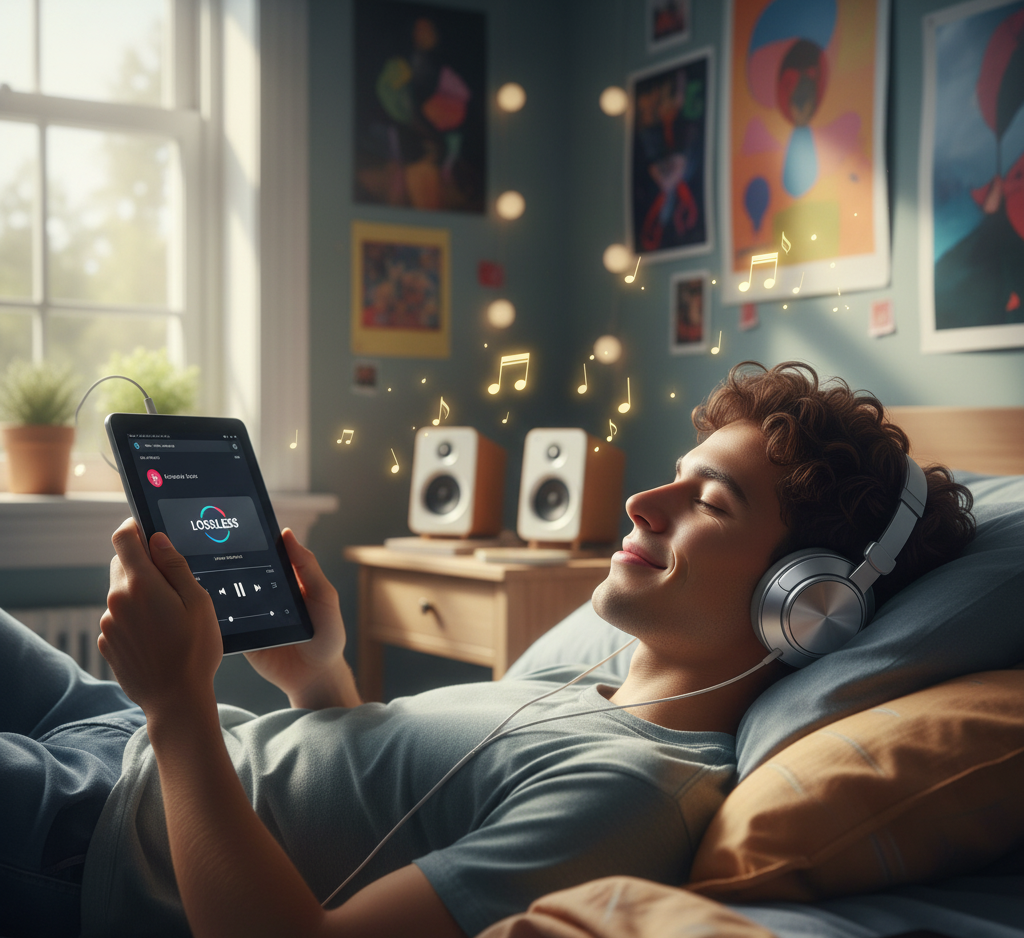
For long-time Spotify users, lossless audio enhances the listening experience significantly. Music feels more vivid and detailed, making your playlists more enjoyable.
Examples of When Lossless Audio Shines
- Pop: Clear percussion and vocals
- Classical: Instruments sound authentic and spacious
- EDM/Hip-Hop: Basslines are punchy and precise
Tips for Best Listening Experience
- Use Wi-Fi to avoid data usage issues
- Download tracks for offline listening
- Prefer wired connections over Bluetooth
- Place speakers properly for optimal sound
Rollout Notes
If you do not see lossless audio yet:
- Update your Spotify app
- Check if your country is supported
- Wait for notifications confirming availability
Conclusion
Spotifyââ'¬â"¢s introduction of lossless audio allows Premium subscribers to enjoy higher quality music without extra cost. By using compatible devices and following simple setup steps, you can hear your favorite tracks in a more detailed and faithful way.
Whether youââ'¬â"¢re listening to pop, classical, or electronic music, lossless audio provides a noticeable improvement in clarity and depth. Stay updated and make sure your app is current to enjoy this feature as soon as it reaches your region.


