





Sep 20 · 5 min read
The Definitive Guide to the Top Laptops of 2025 (College Student Edition )
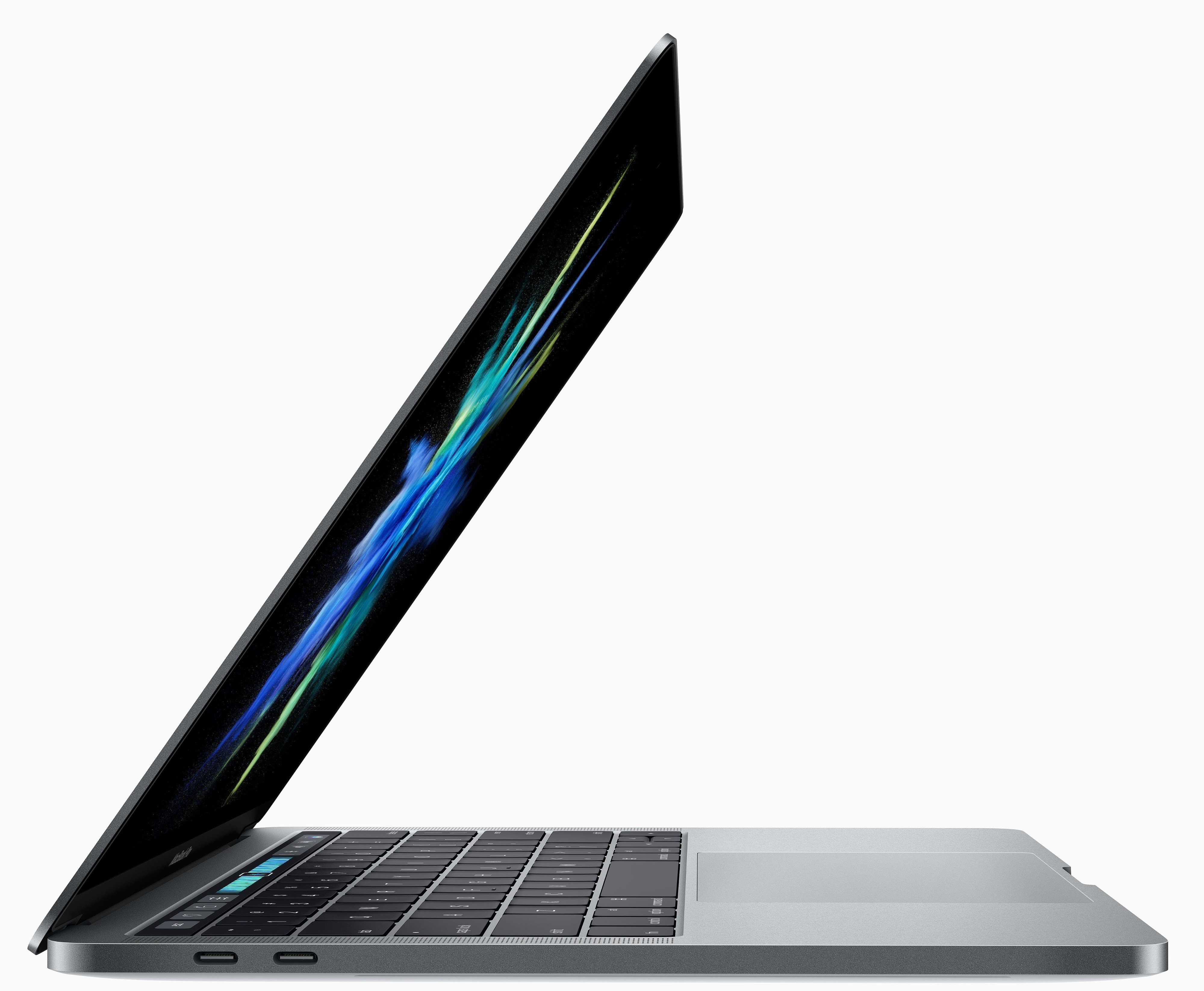
So, youââ'¬â"¢re in college, your wallet is thinner than your attendance sheet, and your current laptop is basically a historical artifact. Every time you try to open three Chrome tabs, the fan sounds like itââ'¬â"¢s about to launch into orbit. Letââ'¬â"¢s be honestââ'¬"itââ'¬â"¢s time. You need a new laptop.
But hereââ'¬â"¢s the twist: buying a laptop in 2025 feels like walking into an all-you-can-eat buffet after fasting. So many choices. All decent. And halfway through scrolling specs, youââ'¬â"¢re questioning if you truly need a 120Hz OLED screen when all you do is Netflix, Google Docs, and ââ'¬Å"how to survive finals on two hours of sleep.ââ'¬
Donââ'¬â"¢t worryââ'¬"Iââ'¬â"¢ve done the nerdy homework for you. I tested, researched, compared, and suffered through endless spec sheets so you donââ'¬â"¢t have to. This is the ultimate, simplified, no-nonsense laptop guide for college students in 2025.
Weââ'¬â"¢ll cover:
- The best laptops of 2025 that are actually worth your ramen-money budget.
- A buying guide that explains RAM, battery, storage, and all that geek-speak in plain English.
- Who should buy whatââ'¬"because no, a Chromebook wonââ'¬â"¢t carry a design major through Adobe After Effects.
The Champions: Top Laptops of 2025
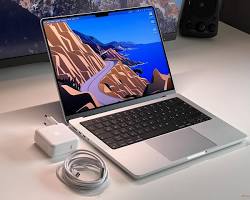
1. MacBook Air 13-inch (M4) ââ'¬" The Overachiever
You knew this one was coming. Appleââ'¬â"¢s MacBook Air still rules the ââ'¬Å"Iââ'¬â"¢m slim, Iââ'¬â"¢m fast, and yes, my battery lasts longer than your motivation during finals.ââ'¬
- Why it rocks:
Battery life over 20 hours (goodbye, charger anxiety).
Super lightweightââ'¬"carry it around campus without turning into a gym bro.
The M4 chip laughs at your 27 Chrome tabs. - Who itââ'¬â"¢s for:
Students who just want something that works. Perfect for essay warriors, spreadsheet addicts, and coffee-shop dwellers. - The catch:
Itââ'¬â"¢s pricey. Youââ'¬â"¢re paying for style and reliability, not raw power-per-dollar.
                                                      click to buy
 The Ultimate Buying Guide (2025 Edition)
Okay, so which one should you actually buy? Letââ'¬â"¢s break it down without drowning in jargon.
RAM: The Brain Power
Think of RAM as your laptopââ'¬â"¢s short-term memory.
- 4GB â†' Bare minimum. Like pulling an all-nighter with no coffee.
- 8GB â†' The safe starting point for students. Enough for essays, Zoom, and Netflix multitasking.
- 16GB â†' The sweet spot. Smooth multitasking, no stress.
- 32GB+ â†' Only if youââ'¬â"¢re gaming, editing, or secretly running NASA simulations.
Battery Life: Will It Survive Your Day?
- 8 hours â†' Minimum requirement. You donââ'¬â"¢t want to be the outlet-hunter in the library.
- 20+ hours â†' MacBooks own this game. Unfair, but glorious.
- Gaming laptops â†' Haha. Plug it in. Always.
Screen: Your Window to Procrastination
- 13ââ'¬"14 inches â†' Best balance between portable and usable.
- 15ââ'¬"16 inches â†' Great for design/gaming, but heavier.
- 17 inches â†' Basically a TV. Donââ'¬â"¢t drag this across campus.
- OLED = gorgeous visuals. Worth it if you binge-watch shows.
- 120Hz+ refresh rate â†' Important for gamers, invisible to essay writers.
 Graphics Card: Do You Need It?
- Gamers/designers/editors â†' Yes, get a dedicated GPU.
- Essay ninjas and Netflix pros â†' Nope, integrated graphics is fine.
 Storage: Where Your Digital Life Lives
- 256GB SSD â†' Bare minimum. Youââ'¬â"¢ll delete files often.
- 512GB SSD â†' The safe spot for most students.
- 1TB+ SSD â†' For gamers, video editors, or photo hoarders.
âÅ'¨ï¸ Keyboard & Trackpad: Your Daily Tools
Youââ'¬â"¢ll type thousands of words. Bad keyboards ruin lives. Always test in-store if you can.
 Portability: Backpack-Friendly?
- Under 3 pounds â†' Easy carry, campus-friendly.
- Over 5 pounds â†' Say hello to back pain. Or a free workout.

Real-Life College Scenarios
- Essay at 2 AM:Â MacBook Air = still alive. Gaming laptop = already dead battery.
- Group Zoom Call: Chromebook worksââ'¬¦ until someone shares a massive 1GB PowerPoint.
- Dorm Gaming: Youââ'¬â"¢ll want a gaming laptop. Watching your roommate play is no fun.
- Netflix after class:Â Any laptop works, but OLED makes it magical.
Final Thoughts: Donââ'¬â"¢t Overthink
Hereââ'¬â"¢s the truth: almost every laptop in 2025 is better than what you had in high school. Focus on what you actually need, not what TikTok flexes.
- Best all-rounder:Â MacBook Air M4.
- Windows elegance:Â Surface Laptop 13.
- Broke but desperate:Â Chromebook.
- Gamers/designers:Â A proper gaming laptop.
- Multitaskers:Â A 2-in-1 hybrid.
At the end of the day, nobody cares what laptop youââ'¬â"¢re using while youââ'¬â"¢re five coffees deep in the library. Get what makes your life easier, not harder.
 How dels2buy.in Helps You Choose
Youââ'¬â"¢ve read the guide. You know what you need. But where do you buy without losing your mind (or your savings)? Enter dels2buy.in.
- Â Curated picks:Â No random junk. Just clear, tailored laptop lists for students, gamers, and casuals.
-  Budget-friendly: Options from broke-student ramen level to ââ'¬Å"I have an internshipââ'¬ level.
- Â Easy comparisons:Â Specs shown side by side, no 57-tab stress.
-  Time-saving: Itââ'¬â"¢s like having a tech-savvy friend do the research for you.
-  Trustworthy: Only reliable, verified brandsââ'¬"no sketchy ââ'¬Å"12 USB portsââ'¬ laptops.
Simply put: if this guide tells you what to buy, dels2buy.in tells you where to buy. Perfect combo for college survival.


